
 Log in
 Contact
 Forum
Forum
HTML to PowerPoint with PHP
HTML to PowerPoint
The conversion of HTML into PowerPoint is one of the most requested functionalities of phppptx.
phppptx supports creating PowerPoint presentations using HTML tags and CSS styles with the addHtml method.
To get the best PPTX output this feature provides, please install and enable PHP Tidy and PHP mbstring extensions on your server.
The code needed to insert some HTML with styles is as simple as this:
That generates the following output:
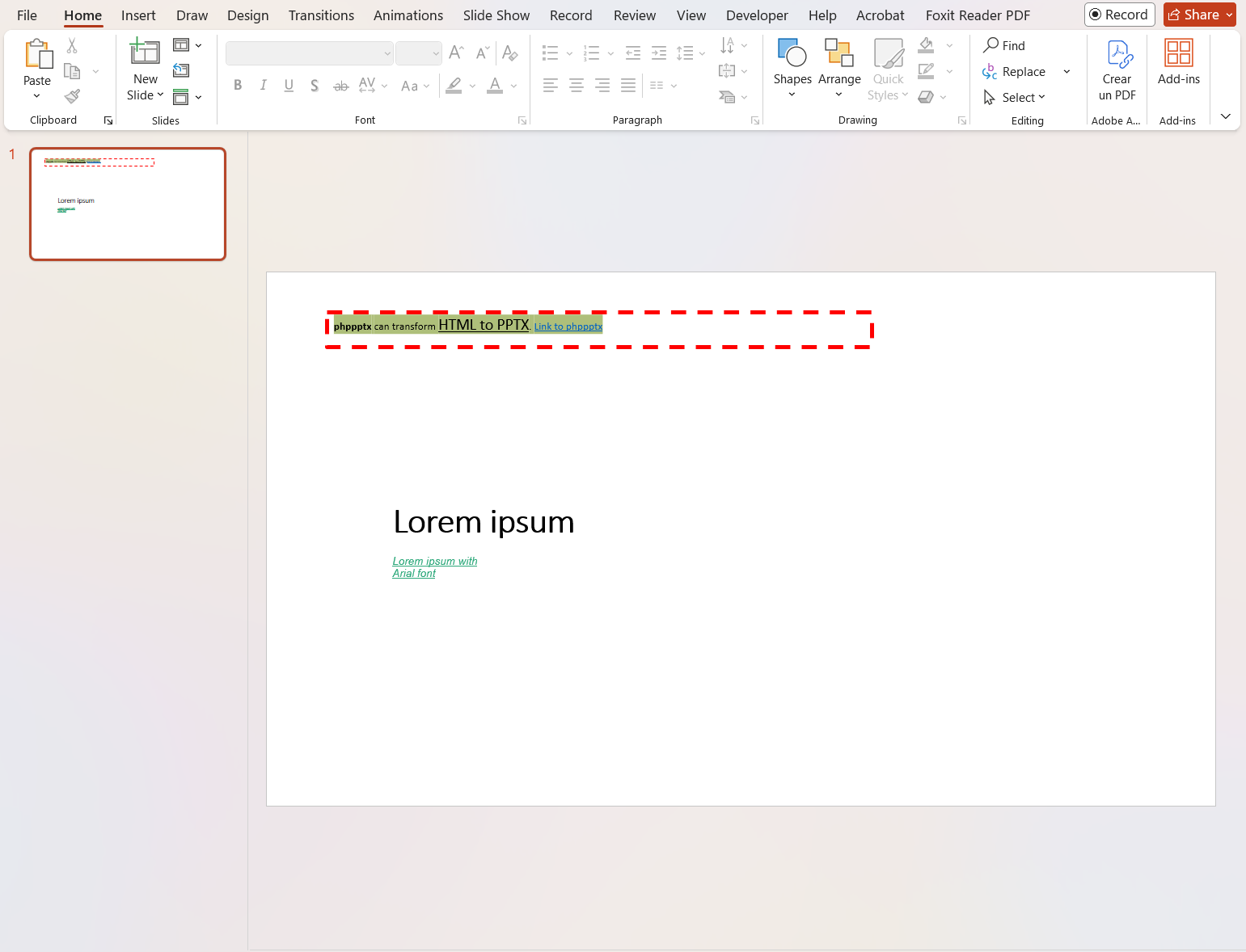
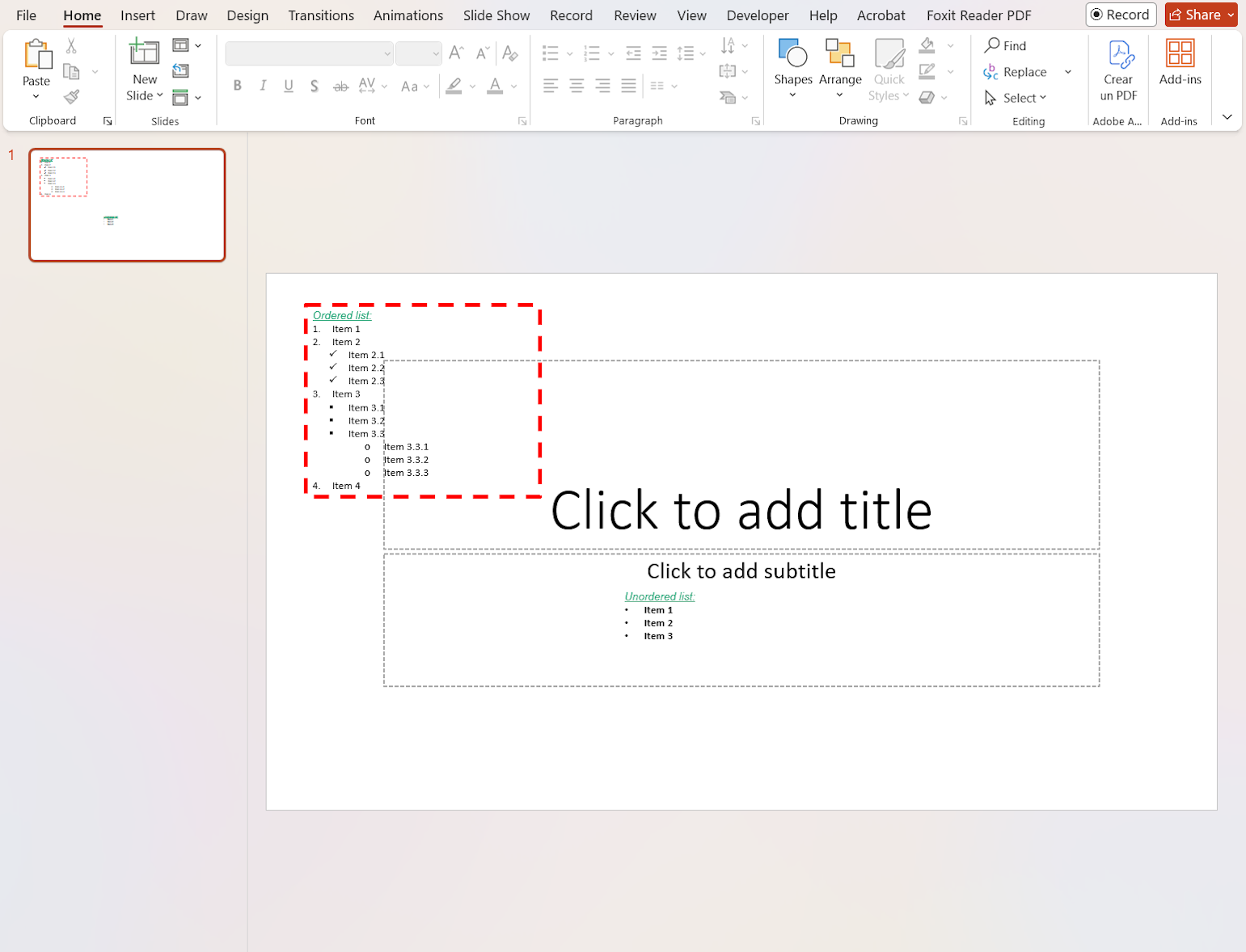
Another example that inserts lists:
That generates the following output:
-
a tags
- see text element styles
-
br tags
-
p, h1, h2, h3, h4, h5, h6, li tags
- background-color
- dir: ltr, rtl
- text-align: left, center, right
-
ul, ol tags
- list-style-type: disc, circle, square, decimal, lower-alpha, lower-latin, lower-roman, upper-alpha, upper-latin, upper-roman, and PowerPoint list style names
-
span, b, cite, em, i, s, strong, var tags
- see text element styles
-
text element styles
- background-color
- color
- font-family
- font-size
- font-style: italic, oblique
- font-weight: bold, bolder, 700, 800, 900
- letter-spacing
- text-decoration: line-through, underline
In addition to using addHtml to insert new content into a PPTX template, the replaceVariableHtml method can be used to replace text variables with HTML content:
phppptx supports CSS variables by enabling the parseCSSVars option.
The following sample transforms HTML contents with CSS variables:
Premium licenses include HTML Extended and CSS Extended modes to invoke phppptx methods with custom HTML tags and apply custom styles not supported by standard HTML tags and CSS styles.
Thus, it is possible to insert slides, audios, videos, and other contents and styles. All of it integrated with the supported HTML tags and CSS styles.
The following sample illustrates the use of HTML Extended and CSS Extended: