
 Log in
 Contact
 Forum
Forum
addTextBox
- getTemplateVariables
- getTemplateVariablesType
- processTemplate
- removeVariableAudio
- removeVariableImage
- removeVariableText
- removeVariableVideo
- replaceVariableAudio
- replaceVariableHtml
- replaceVariableImage
- replaceVariableList
- replaceVariablePptxFragment
- replaceVariableTable
- replaceVariableText
- replaceVariableVideo
- setTemplateSymbol

addTextBox
 BASIC / ADVANCED / PREMIUM
Inserts a text box into the PowerPoint presentation.
This method inserts text boxes into the PowerPoint presentation.
position
Text box position.
| Key | Type | Description |
|---|---|---|
| coordinateX | int | EMUs (English Metric Unit). |
| coordinateY | int | EMUs (English Metric Unit). |
| sizeX | int | EMUs (English Metric Unit). |
| sizeY | int | EMUs (English Metric Unit). |
| name | string | Internal name. If not set, a random name is generated. |
| order | int | Set the display order. Default after existing contents. 0 is the first order position. If the order position doesn't exist add after existing contents. |
Coordinate and size values must be set.
textBoxStyles
| Key | Type | Description |
|---|---|---|
| autofit | string | autofit (default), noautofit, shrink. |
| border | array |
|
| columns | array |
|
| descr | string | Descr value. |
| fill | array |
|
| margin | array |
|
| rotation | int | 60.000ths of a degree. |
| textDirection | string | horz, vert, vert270, wordArtVert, eaVert, mongolianVert, wordArtVertRtl. |
| verticalAlign | string | top, middle, bottom, topCentered, middleCentered, bottomCentered. |
| wrap | string | square, none. |
Theme options (Available in Premium licenses):
| Key | Type | Description |
|---|---|---|
| color | string |
|
Position not valid.
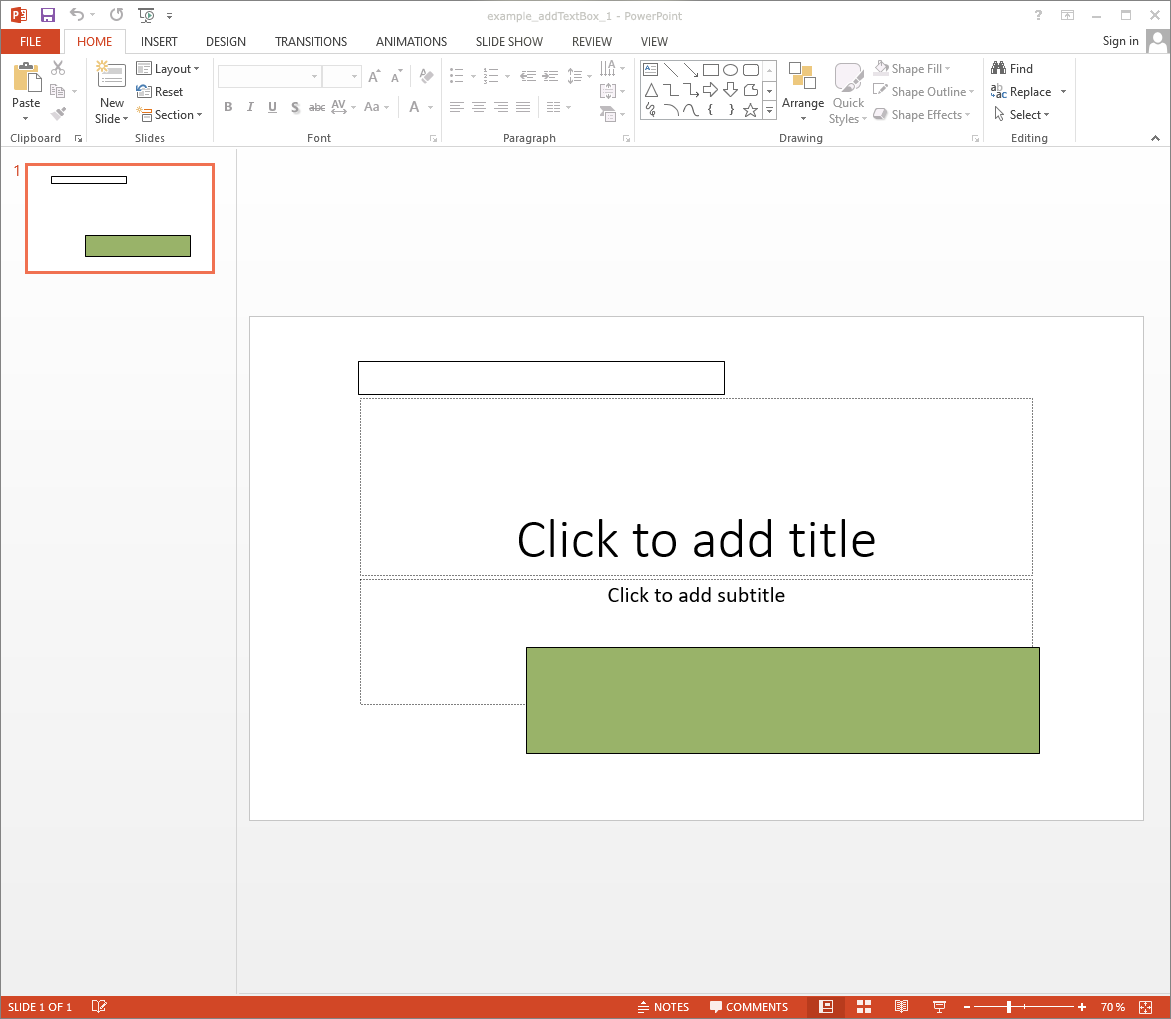
Example #1

The resulting PPTX looks like:
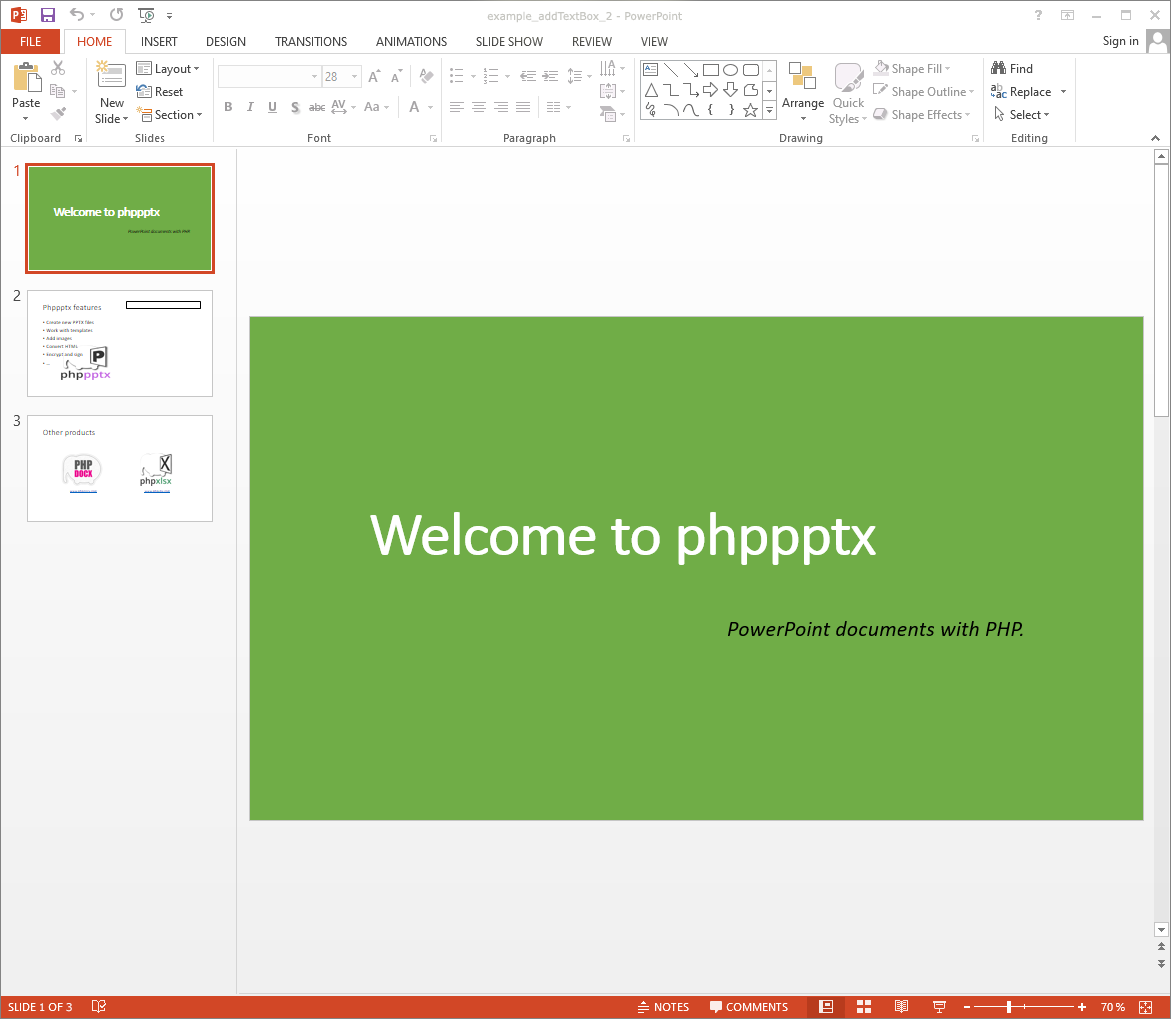
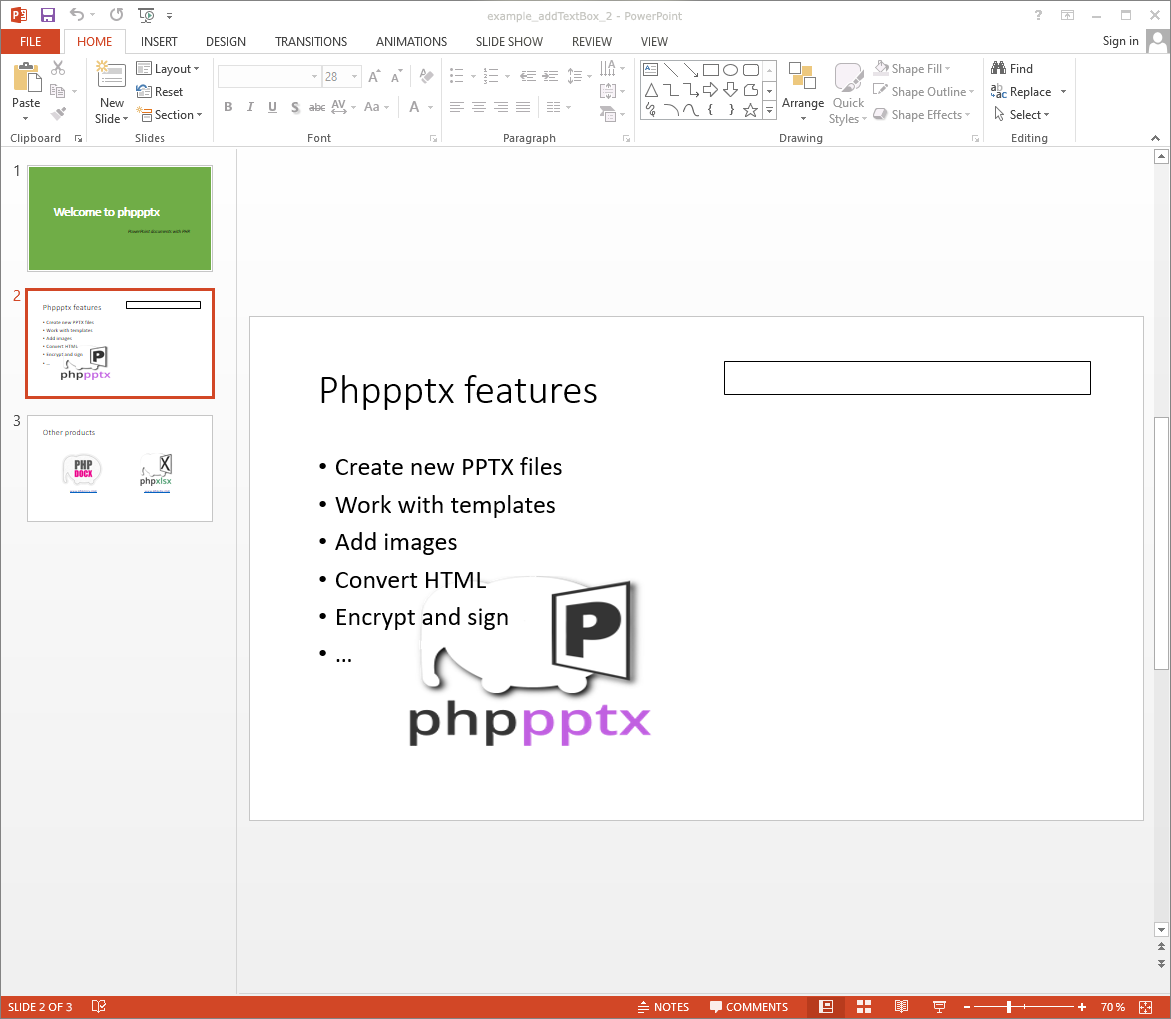
Example #2
The resulting PPTX looks like:
- phppptx 4.5:
- theme, transparency option.
- rotation uses 60.000ths of a degree.
- phppptx 4.0:
- extra check to avoid duplicated shape internal ids.
- name option moved to the position array option.
- phppptx 1.0:
- new method.